Want your menu digital?
Two simple options. All the support you need.
View pricing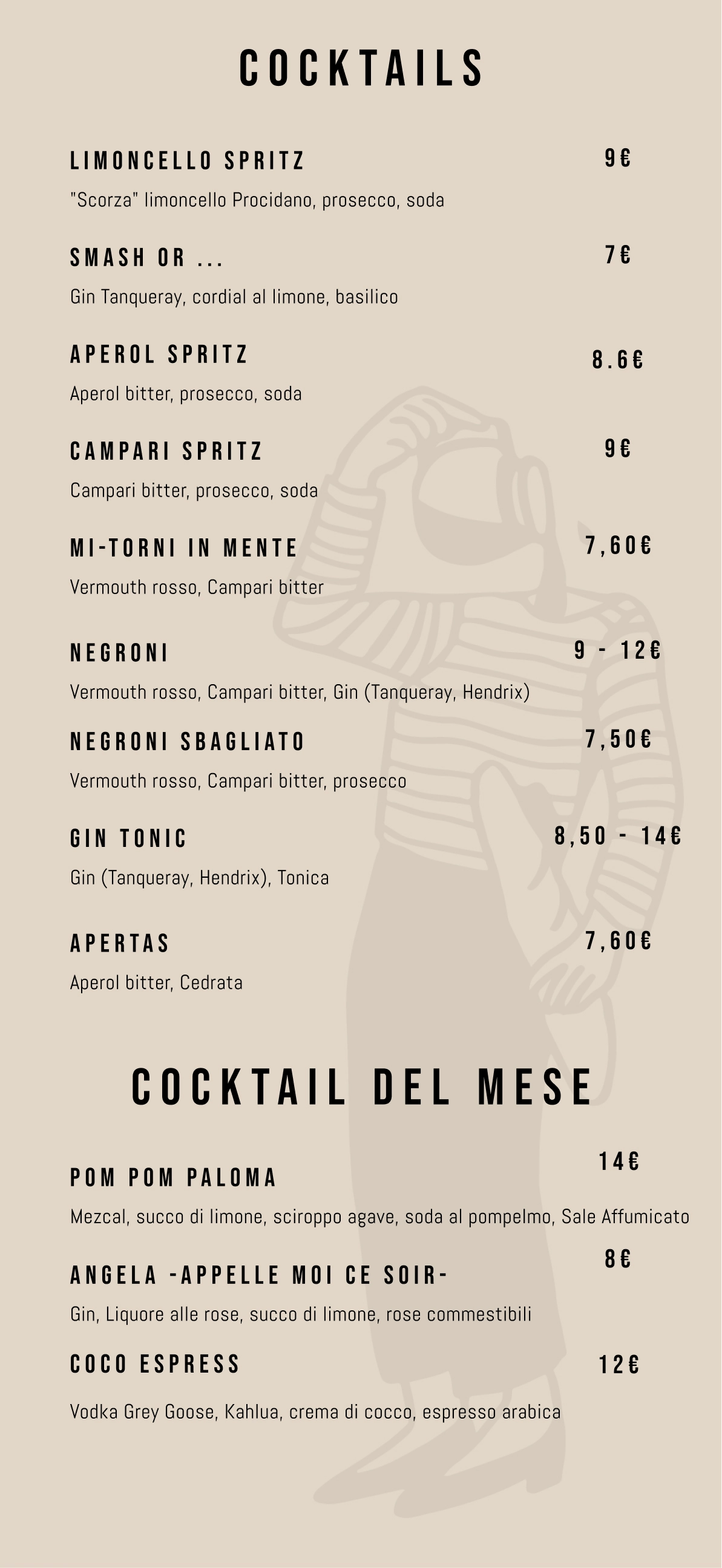
Who are we?
A small family-run team, built to care.
We’re experienced coders and graphic designers working together under one roof. We keep it humble, stay hands-on, and put real care into the details.
Get in touchFAQ
How do I create my digital menu?
Reach out to us and send your menu. We’ll set everything up for you, usually within a few days or less. Once it’s ready, you’ll receive an account where you can manage and update everything yourself. We handle the setup; you stay in control afterward.
Does the software translate the page?
No. But we can help with that as well, just send us over what you need.
Can I add more languages later?
Yes. You can add translations when you need them, without printing a second version of everything.
Do visitors need an app to open the QR code?
No. Visitors scan the QR code with their phone camera and open your hosted page in a web browser.